

Resource sharing that expands library collections and delivers fast—some
e-resources
in 15 minutes
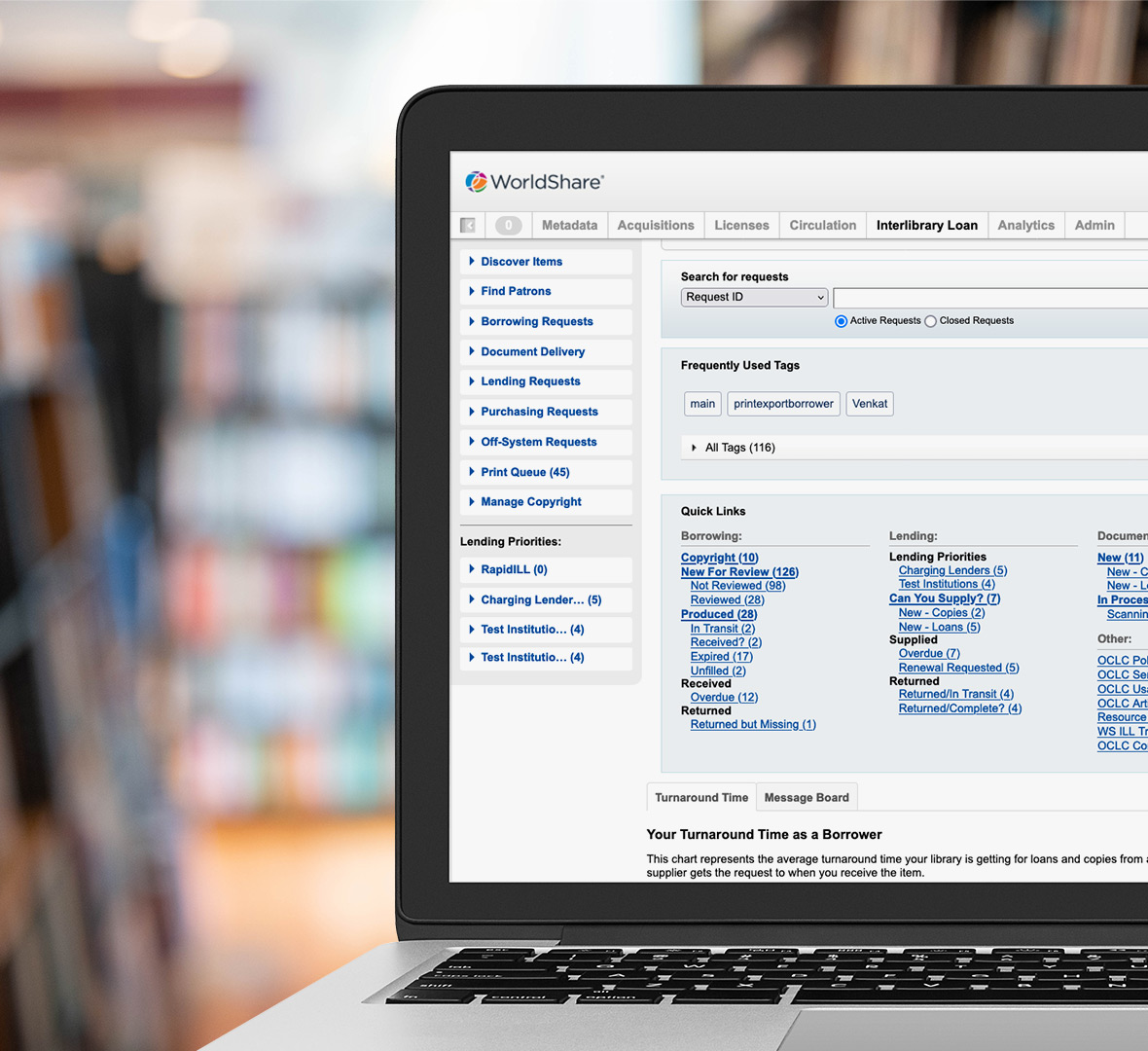
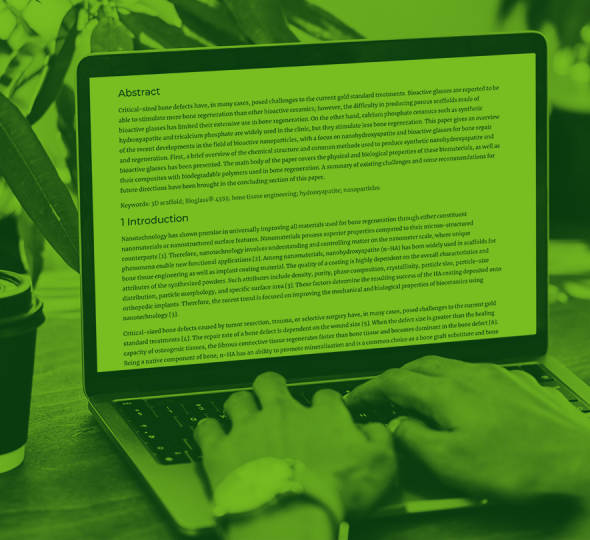
WorldShare® Interlibrary Loan is a modern, cloud-based service. It automates borrowing and lending processes through OCLC’s resource sharing network of 10,000+ libraries, the largest in the world.
Improve the library user experience and streamline workflows
Extend what your library offers with access to thousands of library collections
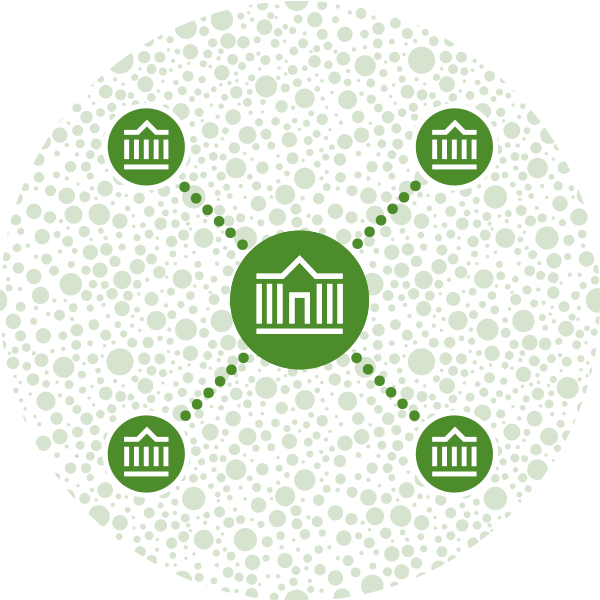
One library can’t own every resource. With WorldCat® as the foundation, the OCLC resource sharing network has access to millions of bibliographic records and billions of holdings. Quickly supply needed electronic or print resources, including hard-to-find items. Easily review what resources are available from other libraries, borrow directly from them, and share your materials.
“All the new smart fulfillment features, included with WorldShare ILL, work together for a superior experience for our library users and a more effective use of our ILL staff’s time.”
Laura D’Amato
Former Head of Access Services and Interlibrary Loan
Ritter Library, Baldwin Wallace University

Automate ILL workflows with smart fulfillment
Smart fulfillment functionality sets dynamic, data-driven processes in motion and helps you achieve faster turnaround times. It’s just one part of our Library on-demand vision to help libraries successfully adapt to changing user expectations.

“Automation is absolutely essential. I encourage you to look into the new smart fulfillment functionality. It all really helps to automate your ILL workflows.”
William Gee
Head of Circulation and Interlibrary Loan
East Carolina University
Built with the latest standards and integrates with your library system


WorldShare ILL is built with the latest standards (such as NCIP, Z39.50, OpenURL, and ISO 18626) and is FedRAMP-compliant. To streamline workflows, it also integrates with your local system, including your catalog and circulation, along with other ILL services and document suppliers. And it’s developed on the cloud-based WorldShare platform with the latest accessibility and security standards, including alignment to ISO 27001 and the NIST Cyber Security Framework.
Visit our Trust Center for more information on compliance, reliability, privacy, and security.
Powerful ILL functionality for library staff

Receive requests from any discovery service
You can provide a customized ILL request form that lets you receive user requests in WorldShare ILL without having to rekey them. Your library can provide access to this OpenURL form from any discovery service (for example, WorldCat Discovery, EBSCO Discovery Service, or Ex Libris Primo).

Automate to save time, reduce costs, and achieve faster delivery
WorldShare ILL simplifies processes by showing other libraries’ holdings, policies, and fees before you make a request. And when one library can’t fulfill a request, it’s automatically routed to the next. Plus, automated processes reduce staff intervention, which means your team can focus on requests that need more time and attention.

Control ILL costs and manage payments efficiently
Confidently manage costs and easily lend free, open access materials. For example, your library can join groups like Libraries Very Interested in Sharing (LVIS) that has 2,200 participants lending for free. Also, you can consolidate ILL credits and debits into one invoice to reconcile a month’s worth of transactions with ILL Fee Management (IFM)—freeing up time for more value-added tasks.

Fine-tune workflows with detailed reports
Assess borrowing and lending patterns to refine staffing, workflows, and policies with statistical reports. This data includes borrowing/lending numbers, fill rates, and turnaround times, all of which demonstrate how ILL contributes to the greater value of your library.
Why choose WorldShare ILL?
Speed, quality of our network, and standards-based technology
- 10,000+ libraries in the global network
- Share with libraries in 50+ countries
- 3 million+ e-resource requests delivered through the OCLC network each year
- Library users get e-resource requests within 24 hours—sometimes in as little as 15 minutes
- Supports NCIP, Z39.50, OpenURL, and ISO 18626

Resource sharing is a passion for us. And we offer various ILL solutions. Like Tipasa®, an ILL management system that provides an exceptional experience for library users and simplifies the complexities of resource sharing for staff, and OCLC Resource Sharing for Groups.
Customize workflows with powerful resource sharing APIs

A collection of resource sharing APIs is available that enables you to customize or extend your library’s unique ILL workflows.
Fill copy requests quickly with the Express program

Libraries participate in the Express digital delivery program that facilitates exceptionally fast ILL processing. The program enables digital resource sharing among a select group of libraries—those with 18 hours or less turnaround times—using the OCLC resource sharing network. And there’s no extra cost when a library has a subscription to WorldShare ILL, Tipasa, or ILLiad®.
Give users what they want when they need it
WorldShare ILL will improve your library user experience while streamlining staff workflows. Contact us to discuss your specific needs.
Service availability
-
Available everywhere
Support & training resources
OCLC Community Center
News
Upcoming events
Watch this space for upcoming WorldShare ILL events.
On-demand events
29 April 2026
